Leaving your old provider
Keeping your home phone number
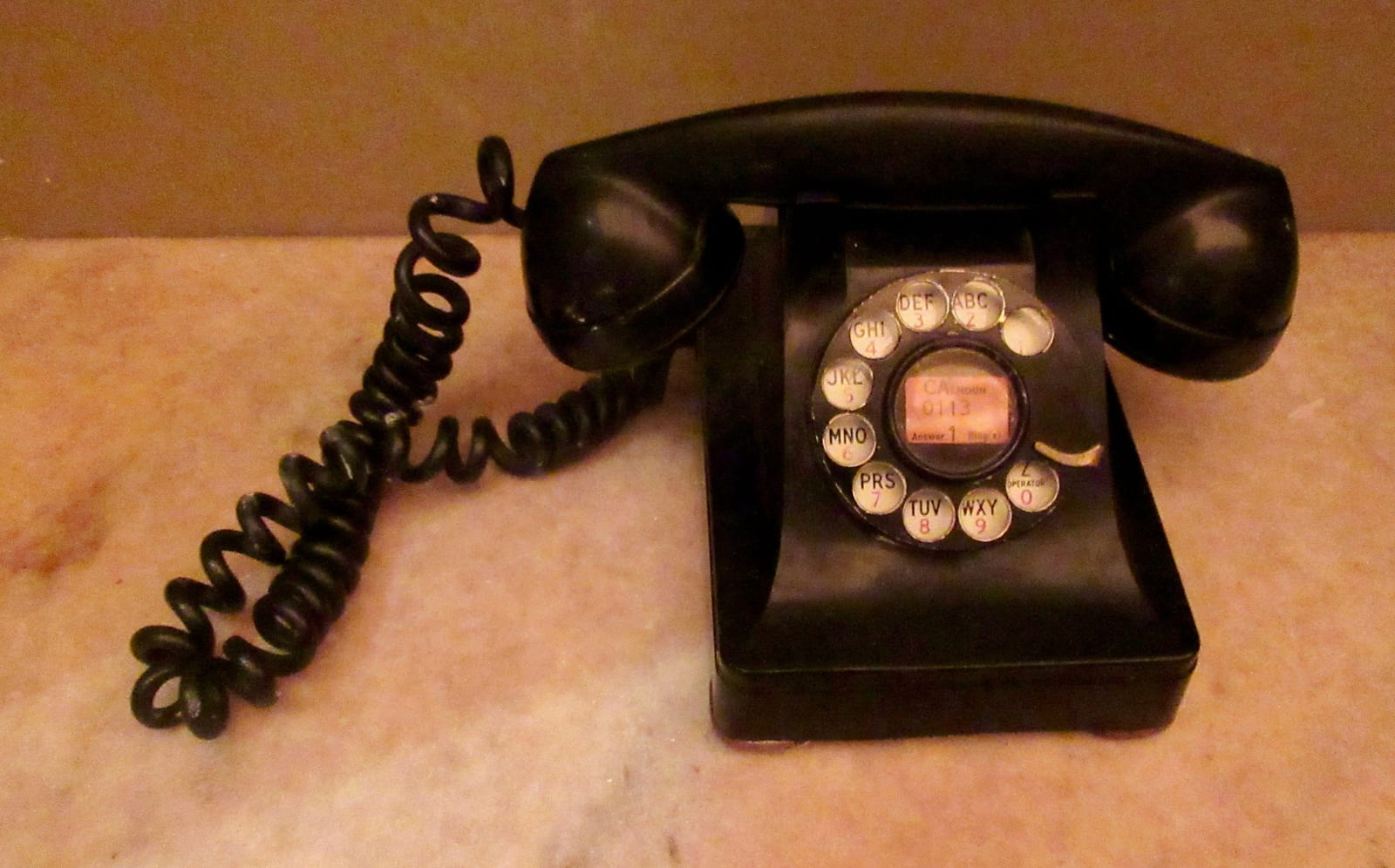
Starlink comes without a phone line. Move your number to a new phone service first, check 911 and anything that dials out, and cancel the old service last.
Answer first · current to
Yes, you can keep your home phone number when you switch to Starlink, but the number can’t move to Starlink itself. Going by Starlink’s own plan list (our reading, not a Starlink quote), no Starlink Residential plan includes home phone or voice service; Starlink sells internet service. So the number moves to another phone company: a VoIP home phone service that runs over your Starlink internet, your mobile carrier, a cable company’s phone line, or, on an AT&T copper line, AT&T Phone - Advanced.
The safe order: get Starlink working, ask the new phone company to move your number, make a test call, and only then cancel the old phone and internet. The FCC’s advice is to keep your old phone service until the new company has started moving your number.
Can you keep your home phone number with Starlink?
Not on Starlink itself: there is no Starlink phone service to move a number into. But Starlink can carry calls for another phone company:
- A VoIP home phone service (VoIP means “voice over internet”). The company sends a small phone adapter that plugs into your Starlink router, and your own phones plug into the adapter. Same phones, same number.
- Wi-Fi Calling on a cell phone. Your mobile carrier’s calls travel over your home Wi-Fi, which helps where the cell signal indoors is weak.
Starlink's help center covers VoIP and Wi-Fi Calling over Starlink and tells you to contact your phone carrier first when calls fail. So the phone company, not Starlink, is who you call about your calls.
The safe order: move the number first, cancel last
Your number belongs to your account with the old company. Close that account before the move is finished, and the number can be lost for good.
- The new company starts the move. To move (“port”) a number, start the port with the new phone company and give it your 10-digit number. You don’t need the old company’s permission.
- Owing money doesn’t block it. Per the FCC, once you've asked a new company for service, the old company can't refuse to port your number, even if you owe a balance or a termination fee. You still owe it, so check your current contract for early termination fees or balances before you switch.
- Timing. Simple ports must be processed in one business day, but some take longer. Plan for a few days.
Where can your number go?
Every option below keeps your number. They differ in what happens in a power cut and whether an alarm or medical alert device can still call out.
| What we compare | How it works | In a power cut | Alarms and medical alerts | Watch for |
|---|---|---|---|---|
| VoIP home phone service | An adapter on your Starlink router; your own phones plug into it | VoIP phone service may not work in a power outage or when the internet is down | Ask the device company whether it works over VoIP | Register your street address for 911; fax often fails |
| Mobile carrier | The number moves to a cell phone; some carriers also sell a desk phone for it | Works while the battery lasts and local cell towers have power | Many alarm and medical alert companies sell cellular units | You need good cell signal inside the house |
| Cable company phone | A phone line from the local cable company | Needs home power; ask about a backup battery | Ask the cable company and the device company | Only where cable reaches your address |
| AT&T Phone - Advanced | AT&T’s home phone over its cell network, for copper customers | Needs home power; AT&T supplies a backup battery | AT&T says it supports alarms and medical monitors | AT&T’s page shows no price: ask in writing |
| Keep the copper landline | Keep the phone line; cancel only the DSL | A corded phone usually keeps working (the phone company powers the line) | Nothing changes | Only while your phone company keeps the copper |
Which to pick? If the house has good cell signal and nothing dials out over the line, moving the number to a cell phone is simplest. If you want the phones you own to keep ringing, VoIP over Starlink is the usual choice. If anyone relies on an alarm or medical alert device, talk to those companies before you pick.
Step by step: keep your number while you switch
- List the linephones, devices
- Call device firmsalarm, medical
- Pick a phone servicecancel nothing
- Starlink workingtested
- Move the numbernew company starts it
- Test everythingcalls, 911 address
- Cancel the restkeep proof
List everything that uses the phone line
10 minutesCheck every phone jack and write down what’s plugged in: phones, an alarm panel, a medical alert base unit, a fax, a satellite TV receiver, a DSL modem. Keep your latest phone bill handy: the new company will want the account number, the name as printed and the service address.
Call your alarm and medical alert companies
15 minutesTell them you’re changing phone service, and ask what the device needs to keep calling out. Do this early: new equipment takes time to arrive.
Choose the new phone service, but cancel nothing yet
20 minutesUse the table above. When you sign up, say you want to keep your existing number.
Get Starlink working first
a few eveningsA VoIP phone needs working internet, so set up Starlink and test it on a few busy evenings while the old service still runs. On a DSL line this matters twice: when the number leaves, the DSL can stop too. The switch planner puts a date on each step.
Ask the new company to move your number
a few daysGive it your number and the account details from your bill. Don’t call the old company to cancel. Keep the old service running until the new company confirms the move.
Test calls, the 911 address and every device
30 minutesCall your home number from another phone, and call out from the home phone. Check that your new account has your exact street address for 911 (more on 911), but don’t dial 911 just to test. Ask the alarm company to confirm a test signal, and press the test button on a medical alert device.
Cancel what’s left of the old service
20 minutesNow cancel the old internet and anything else on the account. Write down the date, the rep’s name and a confirmation number, and check your next two bills. Provider steps: cancel HughesNet, cancel Viasat, end the DSL.
HughesNet Voice and Viasat Voice: port before you cancel
If your home phone comes from your satellite company, the number has to move before the satellite internet is cancelled.
HughesNet Voice
- Hughesnet sells Hughesnet Voice, a home phone add-on with its own 24-month commitment and a fee of $10 for each month left if you cancel early, up to $240.
- The catch: cancelling Hughesnet internet also cancels Hughesnet Voice, and both termination fees can apply. Cancel the internet first, and the phone line goes with it.
- To take a Hughesnet Voice number elsewhere, the new provider submits the port request. Cancel HughesNet only after your number rings on the new service, and send the Voice phone adapter back with the rest of the equipment. How to cancel HughesNet
Viasat Voice
- Viasat sells Voice, a home phone add-on, for $35 a month plus taxes and 911 fees. It runs over the Viasat satellite connection, so when Viasat service ends, the phone has nothing to run on.
- The Viasat pages we read don’t say whether cancelling the internet also ends Voice. Treat it as if it does: move the number first, then cancel. How to cancel Viasat
If your phone is on a DSL or AT&T copper line
On most DSL lines, the phone number and the internet share the same copper wires, so moving the number can end the DSL. Set up Starlink (or whatever replaces the DSL) before you start the port, never after. Replacing DSL, step by step
- Keeping the landline and dropping only the DSL may be possible if your phone company isn’t retiring the copper. It’s the only option here that keeps a corded phone working in a power cut without a battery. Ask what a phone-only line costs.
- AT&T copper customers with a retirement letter have one more option: AT&T Phone - Advanced is AT&T's replacement home phone: it runs over AT&T's cellular network (with broadband as a backup), keeps your number and supports up to six devices such as alarms and medical monitors; it needs home power, with a 24-hour battery backup supplied. AT&T’s page doesn’t show a price, so ask for it in writing. What AT&T’s copper letter means
911, alarms, medical alerts, fax and power cuts
- 911. For 911 to work, give your VoIP provider your exact street address and update it if you move. The address you register is what tells the 911 center where to send help.
- Home alarms. Many alarm panels dial the monitoring center over the phone line. Ask whether yours works over the new service or needs a cellular unit.
- Medical alert devices. A base unit plugged into a phone jack needs a working line. Ask whether it works over VoIP or should be swapped for a cellular model.
- Fax. Fax machines often fail over internet phone service. Ask the VoIP company whether it supports fax, or use an online fax service.
- Power cuts. VoIP phone service may not work in a power outage or when the internet is down, and Starlink needs power too. Keep a charged cell phone in the house.
What switchers ask
Can I port my phone number to Starlink?
No. Starlink has no phone service to move a number into. Port it to a VoIP home phone company that works over Starlink, or to a mobile carrier.
Can you have a landline with Starlink?
Not a copper landline, but a home phone that works like one: a VoIP service sends an adapter that plugs into the Starlink router, and your phones plug into the adapter. VoIP phone service may not work in a power outage or when the internet is down, so consider a battery backup.
Will porting my landline number cancel my DSL?
It can. On many lines the DSL depends on the phone service on the same copper wires. Have Starlink (or your other new internet) working before you start the port, and ask your DSL company what happens when the number leaves.
Can my phone company refuse to port my number if I owe money?
No. Per the FCC, once you've asked a new company for service, the old company can't refuse to port your number, even if you owe a balance or a termination fee. The money is still owed.
Does Wi-Fi Calling work on Starlink?
It can: Wi-Fi Calling is your mobile carrier’s feature and runs over home internet, Starlink included. Starlink's help center covers VoIP and Wi-Fi Calling over Starlink and tells you to contact your phone carrier first when calls fail.
Will my medical alert device work with Starlink?
Only if it connects through a phone service that works over Starlink, or has its own cellular connection. Ask the device company before you switch, and test the device afterwards.
My old phone company kept billing me after I cancelled. What can I do?
Call with your confirmation number, the cancel date and the rep’s name, and ask for the charges to be reversed in writing. If that fails, you can file a complaint with the FCC Consumer Complaint Center.
Where these facts come from
We took every figure and rule on this page from the pages below; the oldest reading dates from . Terms move often, so confirm with the provider before you cancel or order.
- Find the Perfect Home Phone Service for You (AT&T)
- Hughesnet Frequently Asked Questions
- Hughesnet Voice Service Addendum
- Legal Disclaimers (Residential and SMB)
- Porting: Keeping Your Phone Number When You Change Providers
- Starlink specifications (US legal document)
- Starlink support: troubleshooting questions
- VoIP and 911 Service
Checking method: each price, fee and rule here links to the provider’s or regulator’s own page, dated the day we read it. No internet provider pays for a place on this site; the only income is the Starlink referral explained on our money page. Our fact-checking · How we make money · Corrections