
For US homes on HughesNet, Viasat, DSL or 5G home internet
Switch to Starlink without paying twice
Switching to Starlink from HughesNet, Viasat, DSL or 5G home internet is a route with deadlines. Pick what you have now: we map the exit fee, the overlap days, the number port and the equipment return, with dated numbers.
I have now:
- Facts checked Nov 3, 2026
- Independent: not affiliated with any provider
- US prices and rules only
Photo: Nicholas A. Tonelli, CC BY 2.0
39 ms
Starlink’s typical lag, against 674 ms on HughesNet (Ookla, US, Q1 2026)
No cap
Unlimited data on every Residential plan, unlike HughesNet’s and Viasat’s data allowances
30 days
to send a starlink.com kit back in good shape for a full refund, counted from the Payment Due Date
$100
Starlink credit for first-time US customers on a referral order, applied to the second monthly invoice (how it works)
Answer first · current to
If you want to switch to Starlink from HughesNet or Viasat, the numbers favor it for most homes: in Ookla’s US tests its typical lag was 39 ms against 674 ms for HughesNet, and its home plans have no monthly data allowance. On DSL or 5G home internet it depends on your evening speeds and your bill. Either way, check two things before you order: what leaving your contract costs and whether Starlink can see enough sky from where the old dish sits.
Step 0 · Pick your route
What do you have now?
Each route has its own fees, deadlines and traps. Pick yours for the exact steps.
On cable or fiber? You probably shouldn’t switch: a wired connection that works is usually cheaper and steadier than any satellite service.
The one saving at checkout time
How does the $100 Starlink referral credit work when you switch?
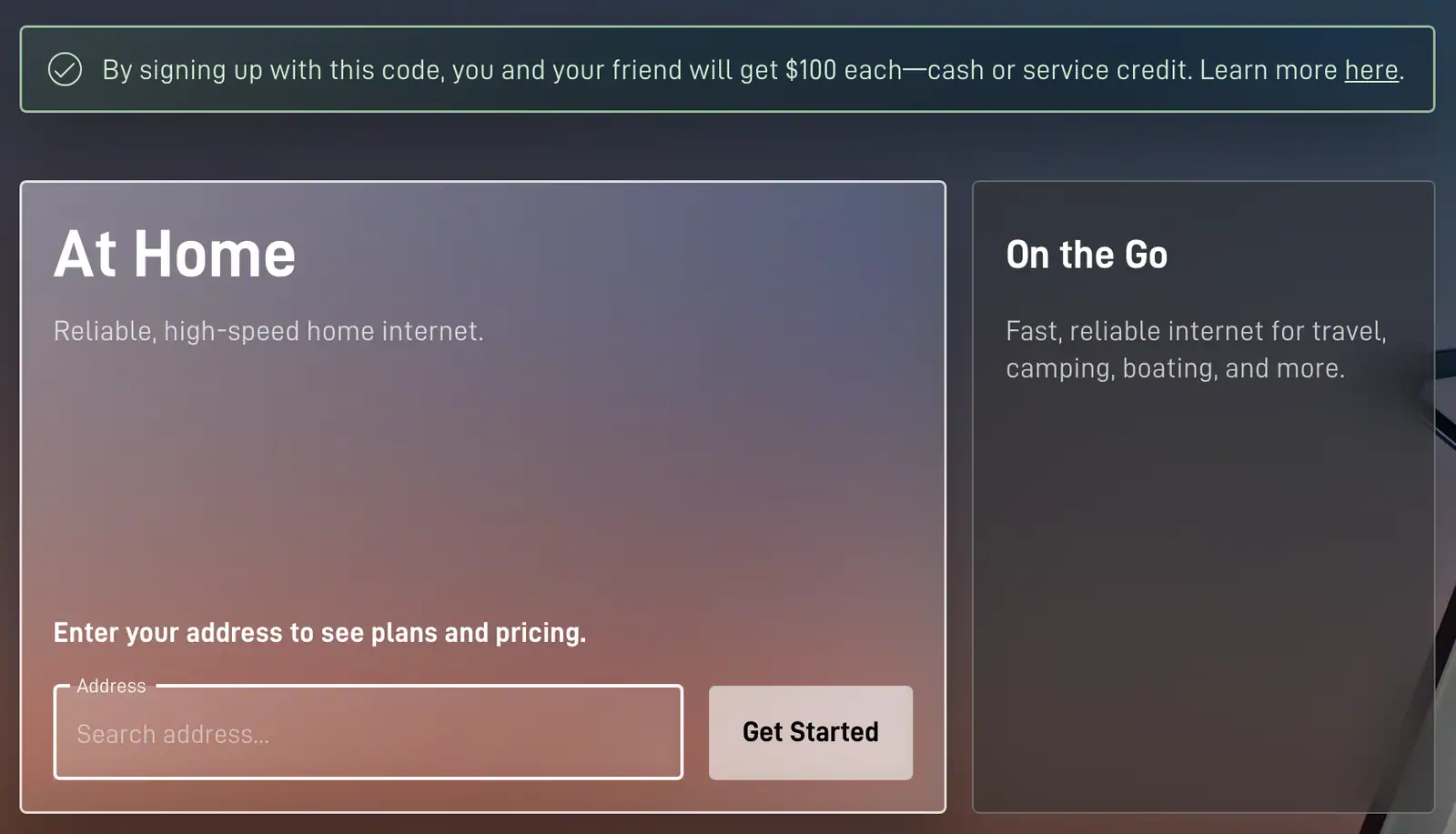
Starlink’s US referral program, current to Nov 3, 2026, runs on a link rather than a typed code. A first-time customer who orders on starlink.com through a current customer’s link gets a $100 credit from Starlink, applied to the second monthly service invoice, and the customer who shared the link earns the same. Below: the route, who qualifies, and the screen to check before paying.
Leave from the referral link
Starlink.com’s page code, as we read it on Oct 29, 2026, keeps the referral in the tab the link opened and nowhere else; that is our observation, not a stated Starlink policy, so keep the whole order in that tab.
Enter the service address, then a plan
Starlink says its referral links apply to Residential and Roam plans bought through its own website. Referral rewards don't apply to Priority, Business or Enterprise accounts.
Confirm the green panel before paying
Once the referral is attached, the Checkout button gets a green box beside it with the words “Referral Code Applied” (below it on a computer, above it on a phone). Not there? Stop before you pay: Starlink won’t add a referral to an order afterwards.
Pay, install, keep the service
The referral doesn’t lower the checkout total; kit, activation and month one are billed at their usual prices.
$100 credit arrives
Starlink applies it on your second monthly service invoice, under Starlink’s terms (its help center says it can show up from about 60 days after activation), as account credit unless you pick otherwise, taken off your next Starlink bill.
You qualify if
- You've never had a Starlink subscription
- The dish will sit at a US address
- You order both kit and service straight from starlink.com, not from a store, an unauthorized reseller or a private seller
- You hold the service continuously, in good standing, across two whole monthly billing cycles
It doesn’t count if
- The kit came from a store, a reseller or a previous owner
- You’ve had Starlink before, because current and former customers don't qualify
- The link wasn’t used: Starlink won’t add a referral to an order afterwards
- Referral rewards don't apply to Priority, Business or Enterprise accounts
Still open: it isn’t settled if a rented kit qualifies for the referral reward: Starlink’s terms require the new customer to buy a kit and subscription directly from starlink.com, and Starlink hasn’t said if a rental meets that. Only Starlink rules on whether an order qualifies, and that ruling is final. Program terms dated Oct 7, 2026.
Measured, not advertised
Why do people switch from HughesNet and Viasat to Starlink?
Mostly for lag. In Ookla’s US medians for Q1 2026 (checked Nov 3, 2026), Starlink answered in 39 ms, HughesNet in 674 ms and Viasat in 750 ms. Lag, or latency, is the wait before anything loads; at geostationary distances it makes video calls stutter and online games unplayable. Starlink’s home plans also drop the monthly data allowance. Why the distance matters
US median latency, Q1 2026
- Starlink
- 39 ms
- HughesNet
- 674 ms
- Viasat
- 750 ms
| What we compare | Starlink | HughesNet | Viasat |
|---|---|---|---|
| Lag (latency)lower is better | 39 ms | 674 ms | 750 ms |
| Download | 127.39 Mbps | 48.55 Mbps | 41.05 Mbps |
| Uploadvideo calls, photo backups | 21.46 Mbps | 4.1 Mbps | 0.95 Mbps |
After the old dish
What replaces the old dish, wire or tower?
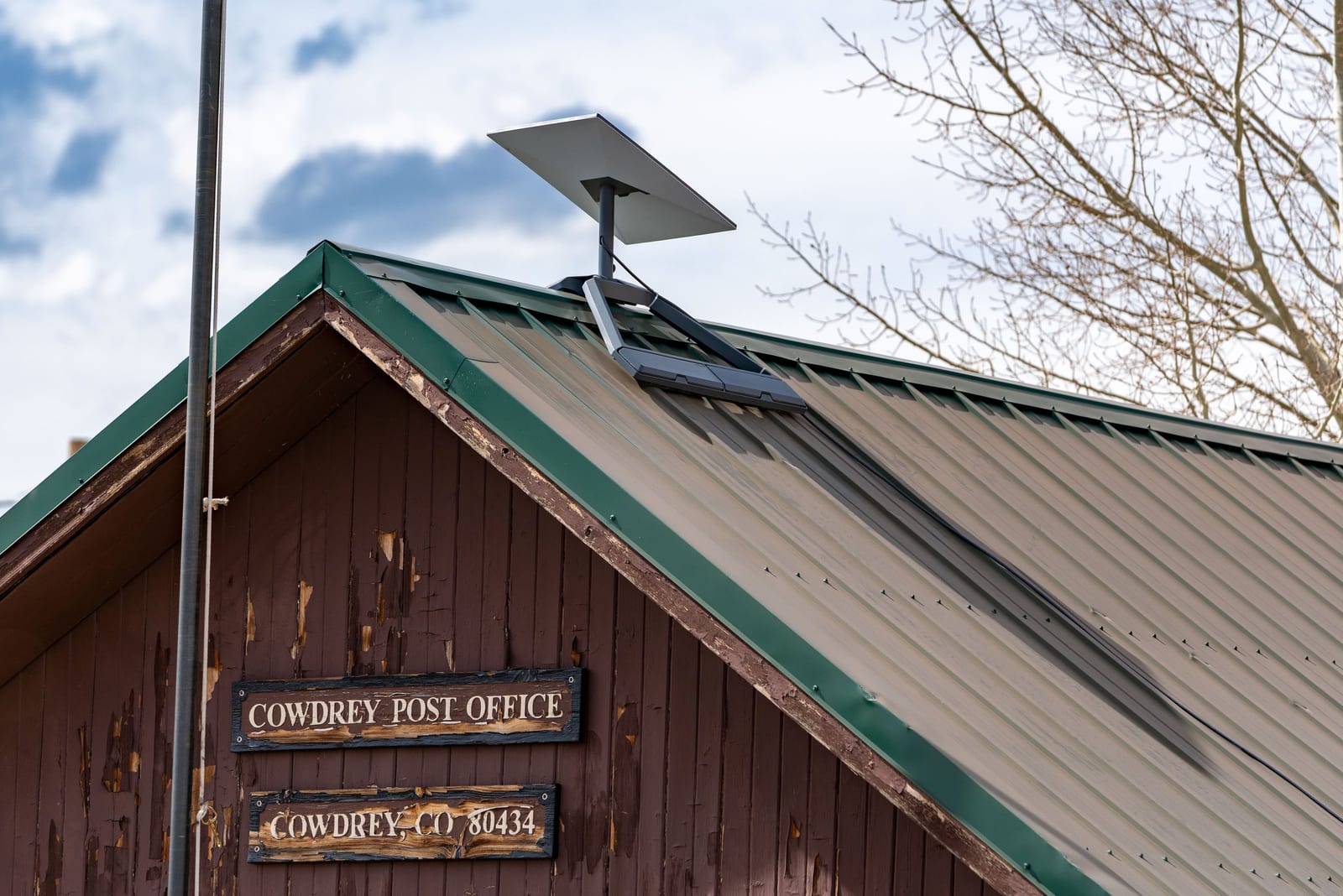
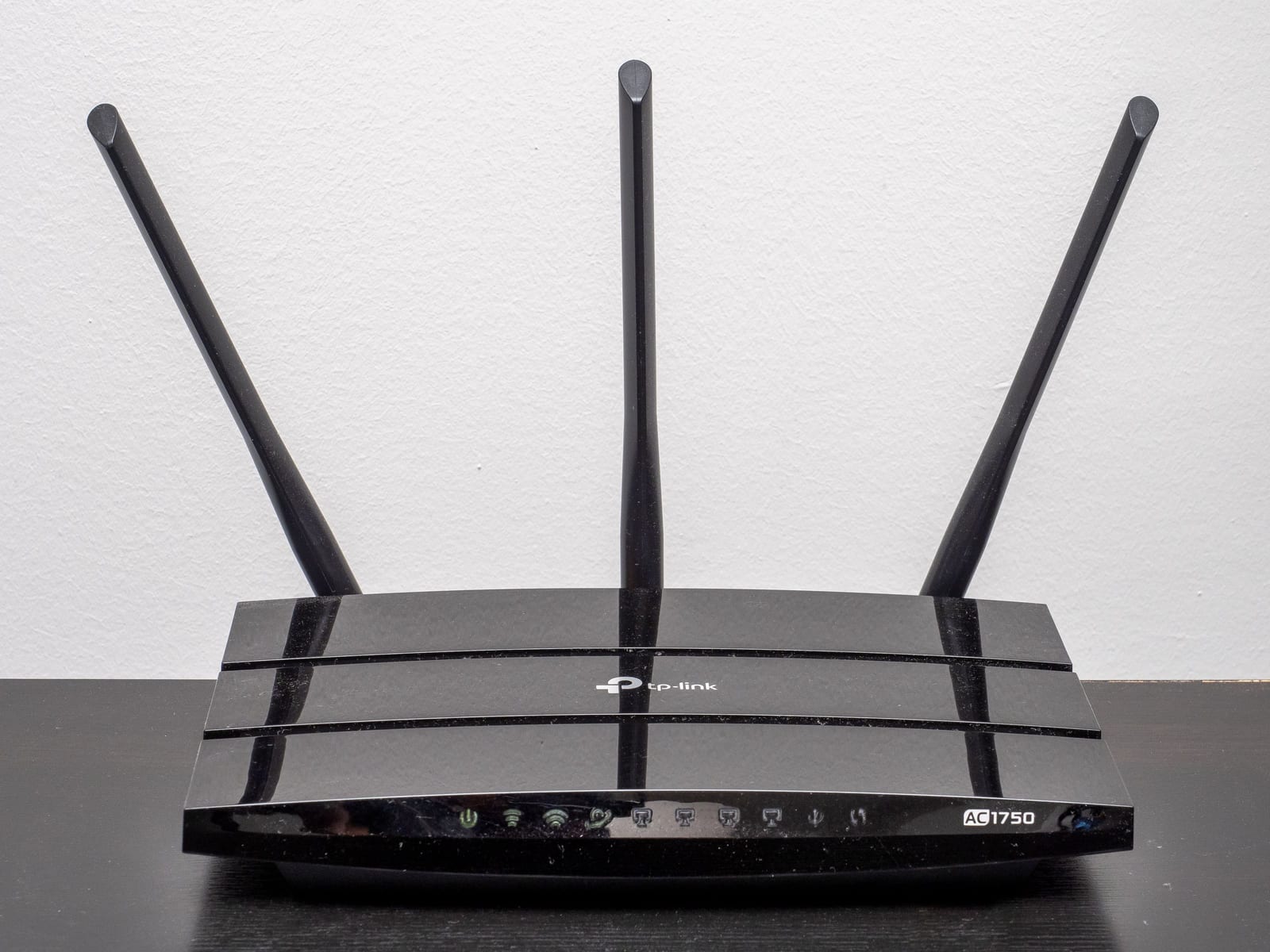
Starlink’s satellites fly in low orbit, so the house needs no phone line, cable run or nearby cell tower. One flat dish goes outside where it sees the most sky, a single cable comes indoors, and Starlink’s router takes over your Wi-Fi.
- Open sky matters most. Starlink wants as much open sky as it can get, though a dish with part of its view blocked often still works; the free Starlink app checks your spot before you buy.
- You set it up yourself. Pick a spot with open sky, plug in, and the dish finds satellites in a few minutes; current kits don't point themselves, so you rotate the dish the way the Starlink app's alignment screen tells you.
- Built for weather. The dish is rated IP67 (Type 4), works from −30 °C to 50 °C (−22 °F to 122 °F) and melts up to 40 mm (about 1.5 in) of snow an hour.
- Internet only. No Starlink Residential plan includes home phone or voice service; Starlink sells internet service, so move a landline number first. How
The switch, in order
In what order should you switch to Starlink?
Order Starlink first and cancel last. The safe sequence, current to Nov 3, 2026, runs: price your exit fee, check the sky at the dish spot, order, set up beside the old service, test on several evenings, move any landline number, then cancel and return the old equipment before its deadline. Most switching trouble comes from cancelling early or porting the number last.
- Check the exit costcontract + fee
- Check your sky viewStarlink app scan
- Orderon starlink.com
- Set upold service still on
- Test at 8 p.m.several evenings
- Port number, cancelin that order
- Return old gearbefore the deadline
Check what leaving costs
Find your contract end date. HughesNet’s fee starts at $400 and shrinks each month; if you’re close to the end, waiting can be cheaper. Fee calculator
Check your sky view
Starlink needs a wide patch of open sky, not one gap in the trees. The free Starlink app scans the exact spot before you buy. How to check
Order while the old line still works
Starlink quotes home prices by address since late October, so the price appears once you enter yours. Pick a plan, buy or rent the kit, and leave the old service running. Order timing
Set it up next to the old service
Keep your old internet running. Starlink connects within minutes of being plugged in; today’s dishes are turned by hand using the app’s alignment tool. Give the new Wi-Fi the old name and password and most devices reconnect on their own. Day-one guide
Test at the busy hour
Run speed tests around 8 p.m. on several days, on both services, the same way. Starlink’s return window counts from your first bill, so test early. Plan your dates
Move your phone number, then cancel
Starlink has no phone plan. Start the number port with your new phone company first, and cancel the old service only after the number works. The safe order
Return the old equipment on time
HughesNet gives you 45 days before it charges $300; others have their own deadlines. Photograph every part before it goes in the box. Deadlines by provider
Order day
Why order Starlink first and cancel the old service last?
The order itself takes minutes. The timing is what matters: order early enough that the kit arrives, works and passes a few evening tests while the old service is still paid up. With no address entered, Starlink’s US national order list showed Residential 100 Mbps at $49.50, 200 Mbps at $76.50 and Max at $143 a month on Nov 3, 2026; prices vary by address, and starlink.com shows yours once you enter it.
- Your own price appears once the address is in
- Rent the kit where Starlink offers that, or buy it outright
- Keep the old service until Starlink has proved itself


Reality check
Don’t switch yet if…
- You owe a big early termination fee and your contract ends within a few months. Waiting may cost less than leaving now.
- Your 5G home internet or DSL is fast enough in the evening and costs less. A working connection you can afford is the right one.
- Cable or fiber reaches your house, or a funded fiber build for your address is due within about a year. Wait and compare then.
- Tall trees or buildings block most of your sky, and the Starlink app scan shows obstructions at every spot you could mount the dish.
- Your need is short: a few weeks, or one season. Starlink suits households that mean to keep it.
Tools
Work out your own numbers
What’s changing
What two changes are pushing people to switch?


Before you call your old provider
Is there a Starlink discount for new customers?
Not as a typed code. Starlink’s US national order list still listed no promo pricing on Nov 4, 2026, though its help center says some areas get a discounted service price for a set time, shown only on the order page for that address. For a first-time US customer the dependable saving is the referral program: order through a current customer’s link and Starlink adds $100 in credit to the second monthly service invoice. How the referral works
How do I make sure the Starlink referral is applied?
Arrive on starlink.com through the referral link. Starlink.com’s page code, as we read it on Oct 29, 2026, keeps the referral in the tab the link opened and nowhere else; that is our observation, not a stated Starlink policy, so keep the whole order in that tab. At checkout, wait for Starlink’s green panel that reads “Referral Code Applied”. If it never appears, stop: Starlink can’t attach a referral to an order afterwards. Order timing and checks
When does staying on HughesNet make more sense?
When your contract fee is high and the term ends soon, or when Starlink can’t see enough sky at your home. On speed and lag Starlink wins by a wide margin in Ookla’s US measurements, and its home plans have no monthly data allowance. Full comparison
What happens to my landline number when I switch?
It has to move before you cancel, because Starlink doesn’t sell phone service. Move the number to a VoIP or mobile provider first, and cancel the old line only after the number works there. Step by step
How long will I pay for both services?
Usually a couple of weeks: keep the old service until Starlink is installed and has passed several evening tests, then cancel. That overlap is cheaper than going offline or switching back. Plan your dates
Is Starlink home service month to month?
By default, yes. Return a starlink.com kit in good shape within 30 days of the first bill and the refund is in full. A few offers do carry terms, so read the order summary before paying. Details
Can trees my old dish shot past block Starlink?
Yes. Your old dish aimed at one point in the southern sky; Starlink needs a much wider view, so trees the old dish cleared can get in its way. Run the Starlink app’s sky scan at that spot first. How to check
How much does it cost to switch to Starlink?
The kit, the first month at the price Starlink shows for your address, shipping and taxes, plus anything you owe your old provider. See it added up